
01 / OUR SERVICES
SOURCE. STORE.
SHIP.
Products, stock and delivery decisions connected around the way you sell. Find the right starting point, then keep the next action in view.

BEGIN WHERE YOU ARE
Your next move.
Our connected journey.
A new product, inventory you already own, or a store ready to fulfill. Each begins differently; the work should lead in the same direction.
YOUR STARTING POINT / 01
Start with a brief.
Build from the source.
Share the product, destination and target cost. A clear sourcing request gives the team the context needed to look for useful options.
- 01Create a sourcing request
- 02Review the quote and product details
- 03Prepare products for your store
YOUR STARTING POINT / 02
Bring your stock.
Give it a clear path.
Agree on receiving details, map your SKUs and prepare packing instructions before goods arrive. Then manage available and reserved inventory in the workspace.
- 01Confirm the inbound plan
- 02Match SKUs and quantities
- 03Follow inventory and fulfillment
YOUR STARTING POINT / 03
Connect your channel.
Keep orders in view.
Authorize a supported platform or add a local store. Review the order queue, confirm quotations and payments, and follow the fulfillment work that comes next.
- 01Connect or add a store
- 02Review orders and quotations
- 03Confirm payment and fulfillment
THE SERVICE NETWORK
Every stage.
Working together.
 01
01Sourcing & procurement
Find your product.
Make it yours.
Build a clear brief, request a quote and prepare your product for sale.
Explore the service ↗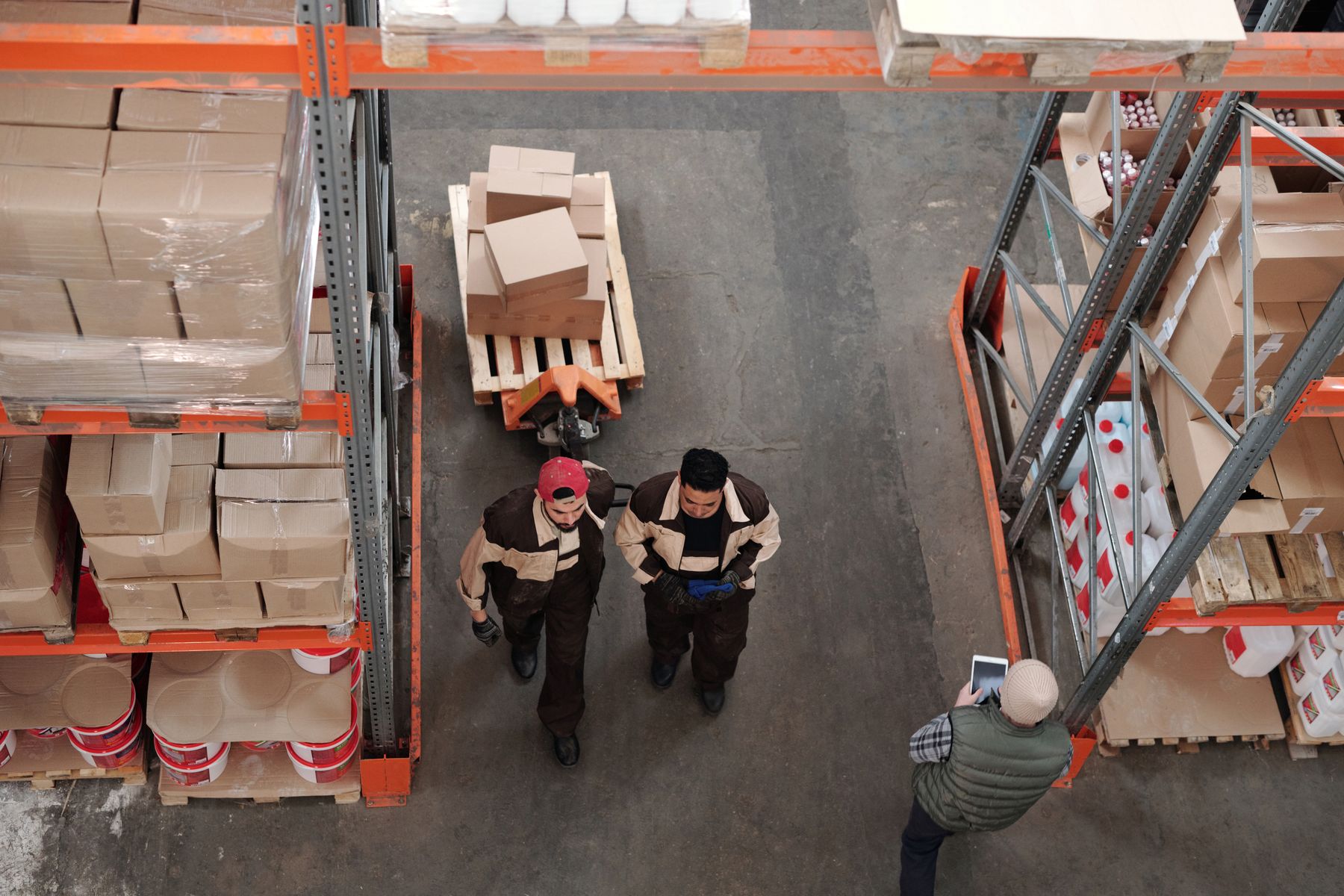 02
02Warehousing & fulfillment
Stock with context.
Orders with direction.
Connect product information, available inventory and the work of preparing each parcel.
Explore the service ↗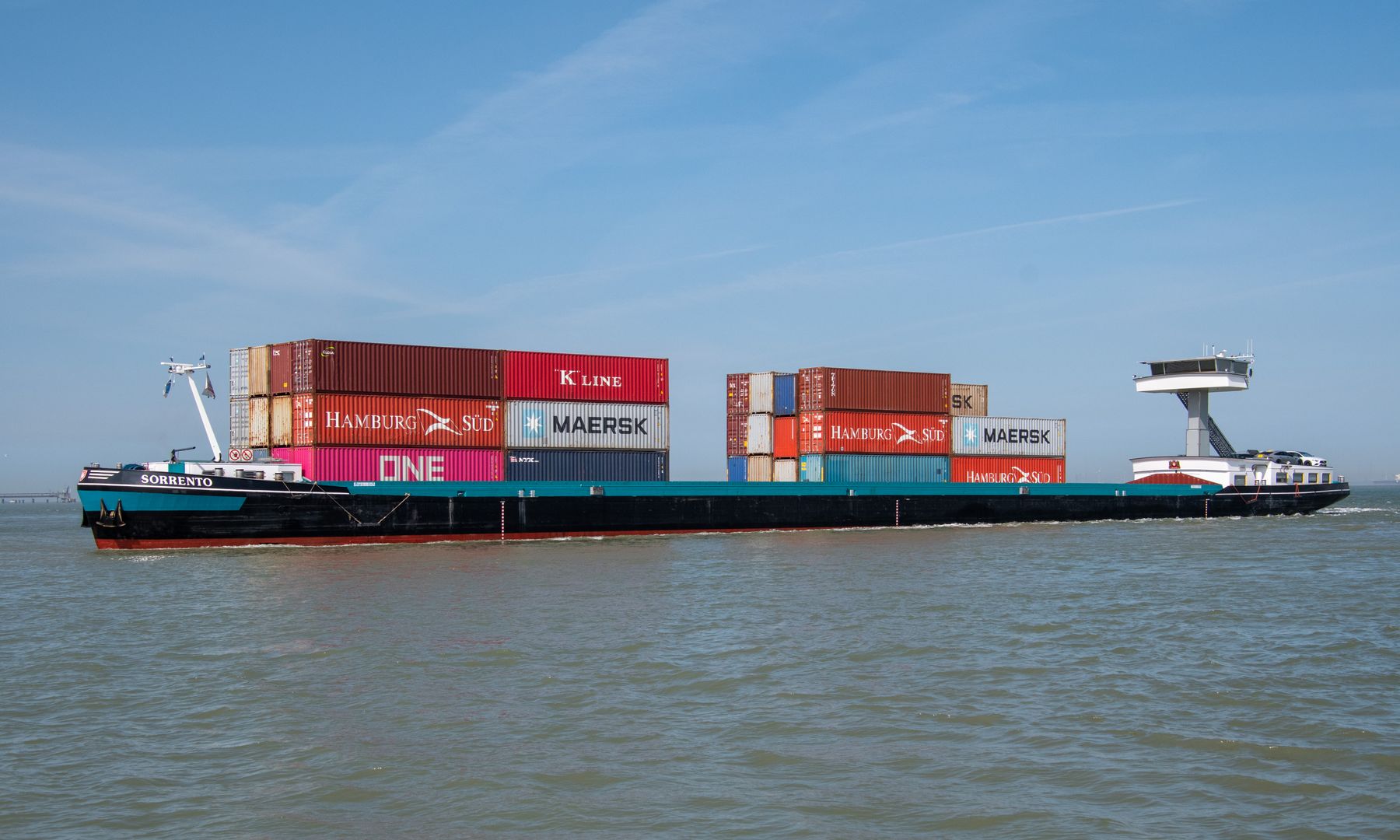 03
03Cross-border delivery
Plan the route.
Keep the promise.
Compare shipping options with the destination, parcel and final delivery in view.
Explore the service ↗FROM SERVICE TO WORKSPACE
The work behind
every order.
Your account connects store authorization, product sourcing, order decisions and inventory. The next step stays attached to the work that created it.
- Authorize supported stores or add a local store
- Review platform orders, purchase orders and tickets
- Use inventory, finance and fulfillment profit views
 DashboardProductsOrdersInventoryStoresFinance
ONE WORKSPACE
Every next step.
In view.
Review the cost and confirm payment before fulfillment.
Illustrative interface. Sample data; actual records remain in your member account.
Where should I start?
Connect a supported store if orders already exist. Use the sourcing request if you need a product first, or begin with the freight estimator if you are comparing destinations.
Can I use stock I already own?
Yes, you can discuss warehousing and fulfillment for existing products. Confirm the receiving location, SKU list, quantities and packaging instructions with the team before shipping stock.
Is the online estimate a confirmed shipping quote?
No. Both planning tools and the member-system freight trial are estimates. Final shipping fees depend on the route, warehouse measurements, destination and confirmed service terms.
How do I keep an issue connected to an order?
The member workspace includes order tickets as well as WhatsApp access. Keep the relevant order reference and a clear description of the problem together when asking for help.
YOUR NEXT MOVE
A clear beginning.
A better next step.
Connect your store, submit a product brief, or talk through the work you need first.